How do the two compare?
The table keeps Adobe’s side to its stable, long-standing split between the free Reader and the paid Acrobat plans. Adobe’s current prices and plan names are on its Acrobat plans page.
| PDFsam Basic | Acrobat Reader | Acrobat Standard or Pro | |
|---|---|---|---|
| Cost | Free, open source (AGPL v3) | Free | Paid subscription |
| Account | None | Optional | Adobe account |
| Merge and split | Yes, with page ranges | No | Yes |
| Extract, rotate, reorder | Extract and rotate; reorder files, not single pages | No | Yes |
| Interleave scanned sides | Yes, Alternate Mix | No | Check Adobe’s current tool list |
| Edit text and images | No | No | Yes |
| OCR | No | No | Yes |
| Fill and sign | No | Fill and sign basics | Yes |
| Platforms | Windows, macOS, Linux | Windows, macOS, mobile | Windows, macOS |
| Windows installer size, measured | 93.8 MB | 822 MB | Separate download |
We read both installer sizes from the download servers on 29 September 2026, using the URLs in the PDFsam.PDFsam and Acrobat Reader 64-bit winget manifests. The Reader manifest lists its licence as Proprietary; PDFsam Basic’s is AGPL-3.0.
Which Acrobat jobs move to PDFsam Basic?
The page tools in Acrobat’s Organize and Combine features map directly:
| Acrobat task | PDFsam Basic tool | Guide |
|---|---|---|
| Combine files | Merge | Merge PDF files |
| Split document | Split, Split by bookmarks, Split by size | Split a PDF |
| Extract pages | Extract | Extract pages |
| Rotate pages | Rotate | Rotate a PDF |
| Insert a page every few pages | Insert pages multiple times | Alternate Mix guide |
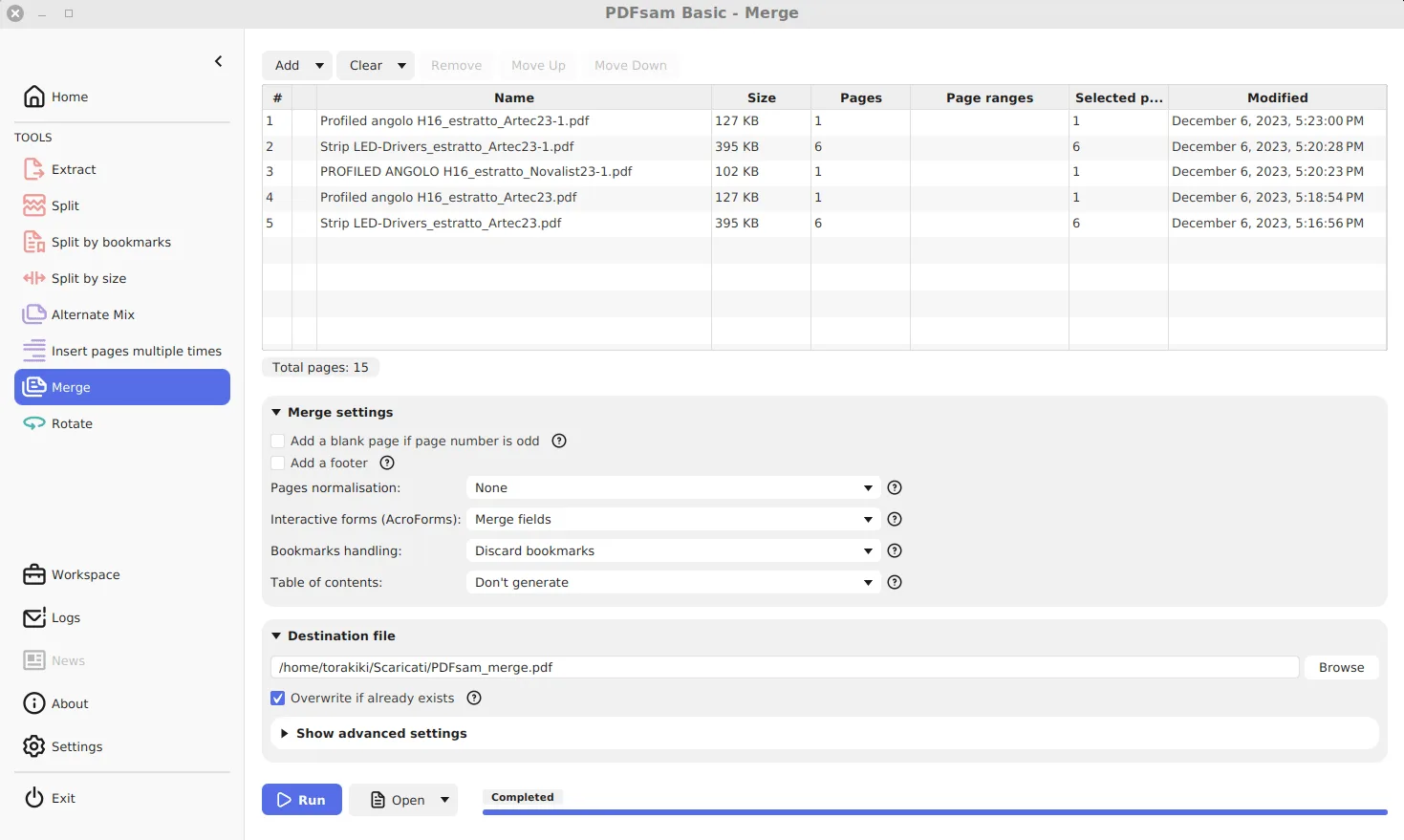
PDFsam Basic handles these in batches of files rather than one open document, which is quicker for repeated jobs. Its Merge can also build a table of contents page and keep, drop or rebuild bookmarks, which covers most of what people use Acrobat’s combine options for.
When do you still need Acrobat?
Keep a full editor if your week includes any of these:
- correcting a typo or changing numbers in a PDF’s text;
- turning a scan into searchable text;
- redacting sensitive content so it is really removed;
- signing, or sending documents out for e-signature;
- creating fillable forms.
PDFsam Basic does none of these, by design. The publisher’s paid PDFsam Enhanced targets some of them on Windows; the edition comparison explains the difference between Basic and the paid editions.
What does switching cost?
Nothing but a few minutes. PDFsam Basic installs next to Acrobat or Reader without replacing either, and the two do not interfere. Keep Reader as your viewer and send page jobs to PDFsam Basic. A sensible first week:
- Install PDFsam Basic with the winget command on the Windows download page.
- Redo one real merge or split you would normally do in Acrobat, on copies.
- Compare the output page by page before deleting anything.
Teams moving away from uploading PDFs to websites as well should read the guide to local PDF tools.
Frequently asked questions
Can PDFsam Basic replace Adobe Acrobat?
For page jobs, yes: merge, split, extract, rotate and interleave pages. For editing text, OCR, e-signatures or form design you still need a full editor such as Acrobat.
Can the free Acrobat Reader merge PDFs?
Adobe reserves combining and organizing pages for the paid Acrobat plans. Reader is for viewing, printing and commenting, which is why many Reader users add PDFsam Basic for page jobs.
Do PDFs from PDFsam Basic open correctly in Acrobat?
Yes. The output is a standard PDF, and you can choose the output PDF version in the tool's advanced settings if a recipient's software needs an older one.