Install PDFsam Basic 6.0.5
Windows
Paste into the Run box (Win+R), PowerShell or Windows Terminal:
winget install -e --id PDFsam.PDFsam --accept-source-agreements --accept-package-agreements- Press Win+R
- Paste with Ctrl+V
- Press Enter
Package: winget package PDFsam.PDFsam, which installs the official PDFsam Basic MSI from GitHub.
Or download the file directly from the official release:
Download Windows x64 MSIAlso on this release: Windows x64 ZIP (no installer)
Verify the download (SHA-256)
GitHub publishes this hash for pdfsam-basic-6.0.5-windows-x64.msi. It must match exactly.
956c37e2bbb1ac8af73f6aa2bc1dc651d457274221522e27e512d725b703f002PowerShell: Get-FileHash .\pdfsam-basic-6.0.5-windows-x64.msi -Algorithm SHA256
64-bit (x64) Windows. Java is bundled with the app, so nothing else is needed. Installs for all users to C:\Program Files\PDFsam Basic.
macOS
Paste into Terminal, with Homebrew installed:
brew install --cask pdfsam-basicPackage: Homebrew cask pdfsam-basic, which downloads the official DMG from GitHub.
Or download the file directly from the official release:
Download macOS DMG for Apple siliconAlso on this release: macOS DMG for Intel Macs
Verify the download (SHA-256)
GitHub publishes this hash for pdfsam-basic-6.0.5-macos-arm64.dmg. It must match exactly.
61a1644dbe71b063e8b302c430e4285daf29c8013bdd729e7c3592cf9d0a915aTerminal: shasum -a 256 pdfsam-basic-6.0.5-macos-arm64.dmg
Apple silicon DMG by default; Intel Macs take the x64 DMG. Drag PDFsam Basic to Applications.
Linux
Paste into a terminal, in the folder with the downloaded .deb:
sudo apt install ./pdfsam-basic_*_amd64.debPackage: the official .deb from the GitHub release, installed with apt so dependencies resolve.
Or download the file directly from the official release:
Download Debian and Ubuntu .deb (x64)Also on this release: Linux x64 tar.gz for other distributions
Verify the download (SHA-256)
GitHub publishes this hash for pdfsam-basic_6.0.5-1_amd64.deb. It must match exactly.
99cf8fc0ea49dadc3420e2b4989358b02089f762cd9f8d9ef17ea53da2779919Terminal: shasum -a 256 pdfsam-basic_6.0.5-1_amd64.deb
64-bit Debian, Ubuntu or a derivative for the .deb; the tar.gz runs on other distributions. Installs to /opt/pdfsam-basic.
Every file comes from github.com/torakiki/pdfsam, the project's own v6.0.5 release, unmodified.
How do I install PDFsam Basic on Windows?
It takes five steps: copy the winget command, run it, or use the MSI, allow the installer and open the app.
- Copy the winget command. Click Copy next to the winget command in the install box.
- Run it. Press Win+R, paste with Ctrl+V and press Enter. winget fetches the MSI and installs it without questions.
- Or use the MSI. If winget is missing, download the Windows x64 MSI from the table and double-click it.
- Allow the installer. Approve the User Account Control prompt; the MSI installs for all users under Program Files.
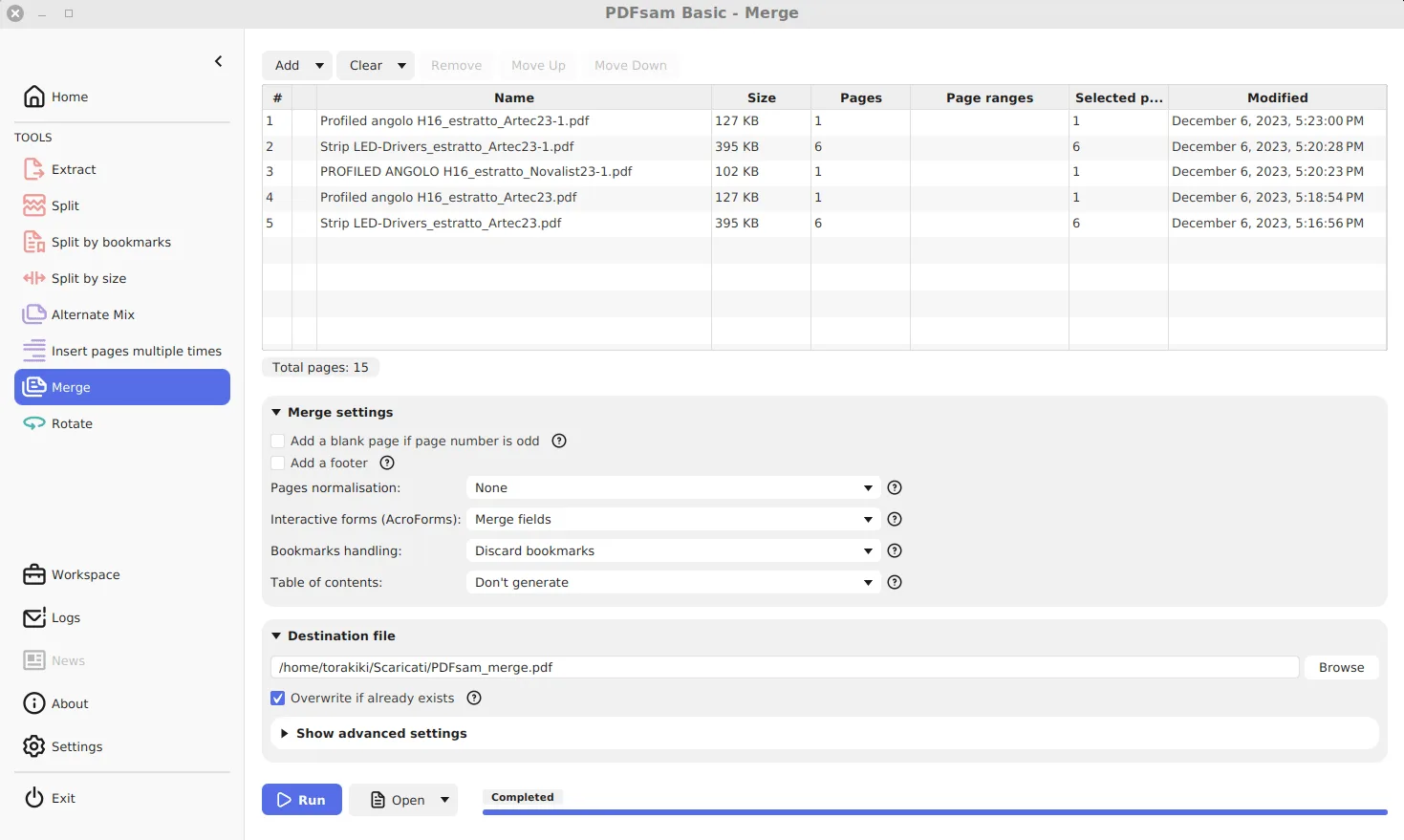
- Open the app. Open PDFsam Basic from Start and pick a tool on the Home screen.
Which Windows file should you download?
Most people need the MSI. It is the file the winget package installs: the PDFsam.PDFsam manifest points at pdfsam-basic-6.0.5-windows-x64.msi on GitHub and records the same SHA-256 that GitHub publishes. The ZIP holds the same program unpacked, for PCs where you cannot run installers. Both are 64-bit only and bundle Java 25.0.4. The table lists PDFsam Basic 6.0.5, released August 5, 2026.
| File | Size | SHA-256 |
|---|---|---|
| pdfsam-basic-6.0.5-windows-x64.msi Windows x64 MSI, the file winget installs | 93.8 MB | 956c37e2bbb1ac8af73f6aa2bc1dc651d457274221522e27e512d725b703f002 |
| pdfsam-basic-6.0.5-windows-x64.zip Windows x64 ZIP, runs without installing | 92.3 MB | bd329b79e2bf8d4daddf578bec00850e237267e69821cfedbaf238903c21f164 |
How do you verify the download?
Compare the file's SHA-256 with the value in the table. In PowerShell, in your Downloads folder, run Get-FileHash .\pdfsam-basic-6.0.5-windows-x64.msi -Algorithm SHA256. The output must match character for character; case does not matter. Each file also has a matching .asc signature on the release for anyone who checks with GnuPG. A different hash means a different file, so delete it.
What does the MSI install, and what does winget change?
The MSI, defined in pdfsam.wxs, installs machine-wide to C:\Program Files\PDFsam Basic, adds Start menu and desktop shortcuts and a Send To entry, and registers PDFsam Basic as a program that can open PDFs. Run by hand, it opens a thank-you page on pdfsam.org at the end; winget passes SKIPTHANKSPAGE=Yes, so it does not. The installer's other public properties, such as CHECK_FOR_UPDATES and PREMIUM_MODULES, all default to true.
What are the official places to get PDFsam Basic?
GitHub Releases for torakiki/pdfsam, the PDFsam Basic download page on pdfsam.org, the winget package PDFsam.PDFsam and the Microsoft Store listing. The pdfsam.org downloads page also offers PDFsam Visual and PDFsam Enhanced, which are different, paid programs; make sure the file name starts with pdfsam-basic. More on checking files is on downloading PDFsam safely.
Frequently asked questions
Is PDFsam Basic free on Windows?
Yes. It is free and open source under the AGPL, with no trial, no watermark and no account. Only the separate Visual and Enhanced editions cost money.
Do I need to install Java for PDFsam Basic?
No. Since version 4 every PDFsam Basic build bundles its own Java runtime, so the MSI and ZIP run on a PC with no Java installed.
Does PDFsam Basic run on Windows on ARM?
The release has only x64 Windows builds. Windows on ARM PCs run x64 programs through emulation, so the MSI installs, but there is no native ARM build.