Windows desktop uses winget install StirlingTools.StirlingPDF when you want to skip the asset list, while Docker still pulls docker.stirlingpdf.com/stirlingtools/stirling-pdf:latest, then docker-compose up -d, then http://localhost:8080 with login on.
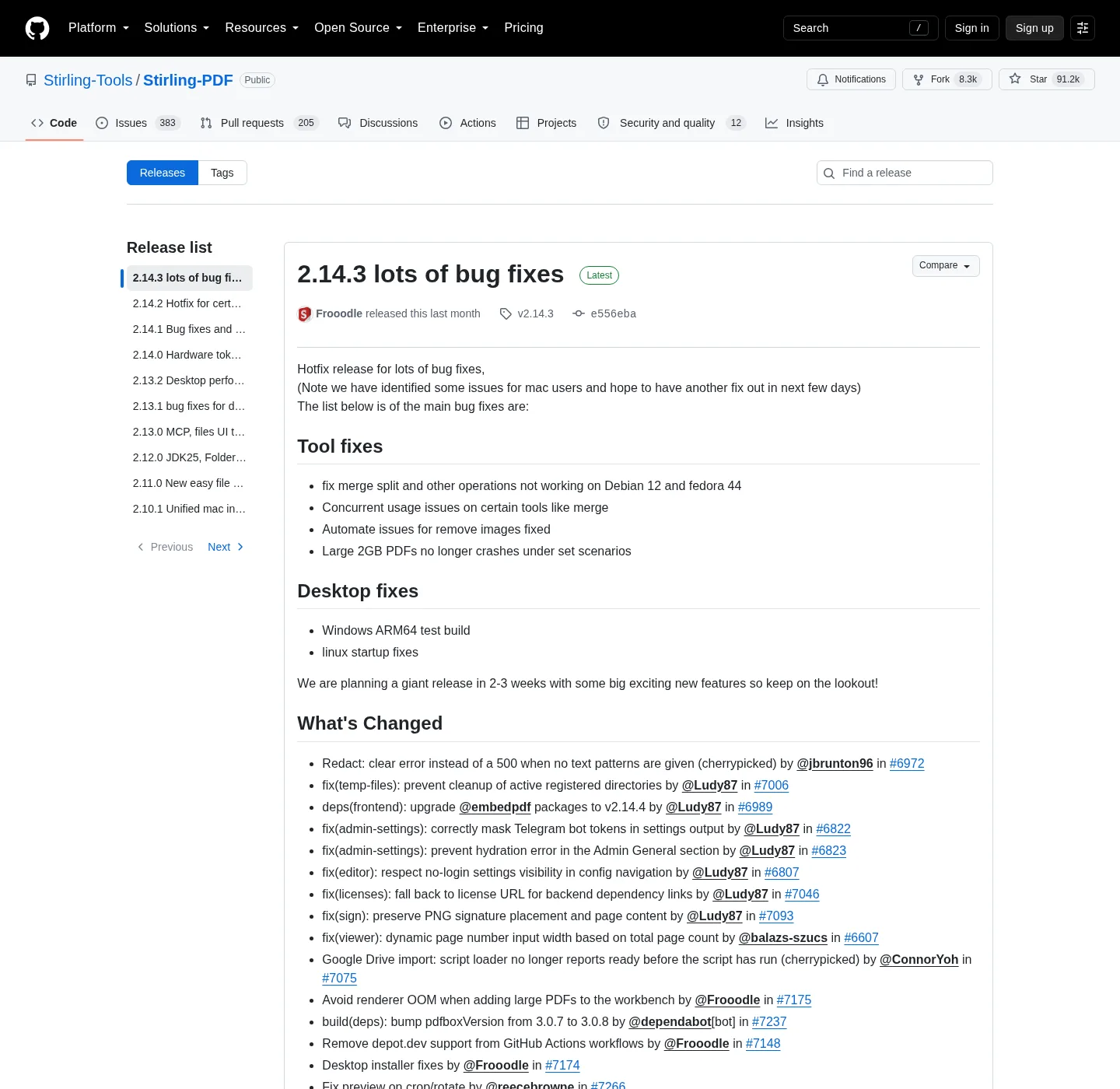
The current release is the newest non-draft tag on GitHub Releases for Stirling-Tools/Stirling-PDF. Open that tag, and read the asset names. Pick one file that matches the machine you will run, and if you wanted a container, stop: the image is not attached to the tag. It lives on docker.stirlingpdf.com and Windows walkthrough: Windows PDF editor download. Docker: PDF editor Docker Compose.
Which file to take
Windows desktop on a regular 64-bit PC takes Stirling-PDF-windows-x86_64.msi. That installer lands in C:\Program Files\Stirling-PDF and Windows on ARM takes Stirling-PDF-windows-arm64-setup.exe when that asset is on the tag. Treat the ARM setup as a test-style build when release notes say so, not as the default x64 path. A JAR is for people who already run Java and want a server, not the desktop app. Docker is a pull, not a download from GitHub.
Package managers skip the asset list, and on Windows, winget install StirlingTools.StirlingPDF is the same product as the MSI. Scoop uses the Stirling bucket on GitHub, then scoop install stirling-pdf/stirling-pdf. Details for winget sit on how to install winget, and official Mac and Linux packages are listed on the same GitHub tag and in Stirling install docs. These notes map Windows desktop and Docker as the install paths in these notes.
winget install StirlingTools.StirlingPDFGitHub asset patterns
File names on the tag do not carry a version in the string, and the tag is the version. Match the pattern, then confirm you are still on github.com/Stirling-Tools/Stirling-PDF/releases. Anything that wraps the same name on another domain is not this table. Ignore latest.json, blockmaps, yaml, signatures, and checksum sidecars unless you are verifying a file you already chose.
| File name pattern | Kind | When to use it |
|---|---|---|
Stirling-PDF-windows-x86_64.msi | Windows desktop installer | Primary x64 Windows path. Installs to C:\Program Files\Stirling-PDF |
Stirling-PDF-windows-arm64-setup.exe | Windows ARM64 setup | ARM Windows when that asset is on the current tag |
Stirling-PDF-macos-universal.dmg | macOS desktop | Official Mac file on the tag. Open Stirling docs for that desktop |
Stirling-PDF-macos-universal.app.tar.gz | macOS app archive | Same desktop app packed as a tarball |
Stirling-PDF-linux-x86_64.AppImage | Linux AppImage | chmod +x then run. Official docs may also list files.stirlingpdf.com |
Stirling-PDF-linux-x86_64.deb | Linux deb | Debian and Ubuntu style packages |
Stirling-PDF-linux-x86_64.rpm | Linux rpm | Fedora and RHEL-like packages |
Stirling-PDF-with-login.jar | Server JAR with login | Java JDK 25. Default admin / stirling. Official recommended JAR |
Stirling-PDF.jar | Server JAR without auth | Java JDK 25. No authentication |
Stirling-PDF-server.jar | Backend JAR | Backend only, no bundled UI |
Docker is not a GitHub asset
The image registry is docker.stirlingpdf.com/stirlingtools/stirling-pdf, and tags documented: latest, latest-fat, latest-ultra-lite. Copy the official compose from Docker Install, then:
docker-compose up -dOpen http://localhost:8080 and Login is on, and default username admin, password stirling. Change it immediately; Update with docker-compose down, then docker-compose pull, then docker-compose up -d. Settings stay in the configs volume if you mounted it; Safe-fetch notes: is it safe to download this PDF editor.
How to verify you took the right file
- Confirm the host is github.com/Stirling-Tools/Stirling-PDF/releases, or winget id StirlingTools.StirlingPDF, or docker.stirlingpdf.com.
- Match the filename pattern in the table. Do not add a version into the name.
- Prefer checksums the project publishes on that tag when you need to verify bytes.
- Skip Softonic, CNET, and lookalike portals that wrap the project name.
- Open the app or http://localhost:8080 and run one local job such as merge PDF.
Most of the public repo is MIT, Copyright 2025 Stirling PDF Inc., with directory exceptions. Folders such as proprietary, saas, engine, desktop, cloud, and portal use other licenses, and read LICENSE. Repo map: open source PDF editor on GitHub; Guides: PDF editor guides and Setup chooser: for this computer.
Which PDF editor file should I download from GitHub?
On a regular 64-bit Windows PC take Stirling-PDF-windows-x86_64.msi. JAR names sit on the same tag, and the Docker image is not a GitHub file. Pull it from docker.stirlingpdf.com.
Does the MSI filename include a version?
File names on the tag do not carry a version in the string, and the tag is the version. Match the pattern, and the current release is injected on the stamp from GitHub.
Is the Docker image on GitHub Releases?
No; Pull docker.stirlingpdf.com/stirlingtools/stirling-pdf:latest and Then docker-compose up -d and open http://localhost:8080. Login is on. Default admin / stirling.
What JAR names exist for this PDF editor?
Stirling-PDF-with-login.jar, Stirling-PDF.jar; Stirling-PDF-server.jar, and official Windows server docs currently require Java JDK 25. They are not the desktop MSI.
Can I skip the asset list on Windows?
Yes, and run winget install StirlingTools.StirlingPDF and that is the same desktop product as the x64 MSI, with the publisher Microsoft already tracks.