How do I run PDFsam Basic without installing it?
Unpack the official Windows ZIP and start PDFsam Basic without an installer. It takes four steps: download the ZIP, check the hash, unpack it and start the app.
- Download the ZIP. Open the latest torakiki/pdfsam release on GitHub and download the file ending in windows-x64.zip.
- Check the hash. In PowerShell, run Get-FileHash on the ZIP and compare the result with the SHA-256 shown next to the file on GitHub.
- Unpack it. Right-click the ZIP, choose Extract All and pick a folder you can write to, such as Documents or a USB stick.
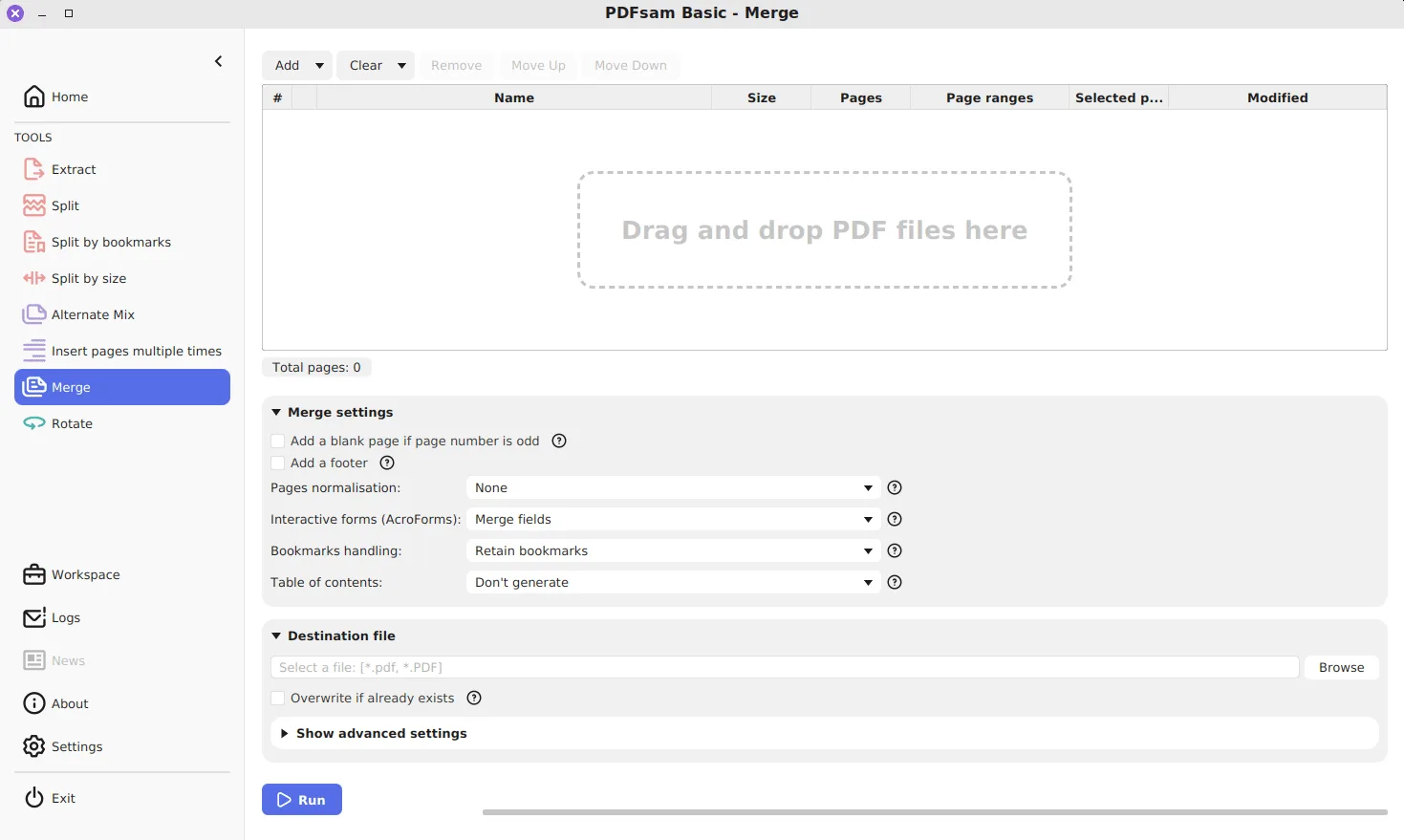
- Start the app. Open the unpacked folder and double-click pdfsam.exe. The Home screen opens with all eight tools.
Who is the ZIP edition for?
The ZIP holds the same PDFsam Basic program the MSI installs, built from the same release, with the Java runtime already inside. It suits three situations:
- a work PC where you are not allowed to run installers;
- a USB stick you carry between computers;
- trying a new release next to the installed one before switching.
If none of these apply, the Windows installer is simpler, because it adds shortcuts and updates in place.
What does the ZIP leave out?
The MSI does more than copy files. Its installer definition adds a Start menu entry, a desktop shortcut, a Send To item and a registration so PDFsam Basic appears in the Open with list for PDF files. The ZIP does none of that, and it creates no entry under Installed apps.
| Feature | MSI installer | Windows ZIP |
|---|---|---|
| Needs administrator approval | Yes | No |
| Start menu and desktop shortcuts | Yes | No, pin pdfsam.exe yourself |
| Send To and Open with entries | Yes | No |
| Listed under Installed apps | Yes | No |
| Update route | winget upgrade or a newer MSI | Replace the folder |
| Bundled Java runtime | Yes | Yes |
Where does the portable copy keep its settings?
Not in its own folder. The source code stores preferences through Java’s standard preferences API under the node /org/pdfsam/user/conf, and saved workspaces and news state live in sibling nodes. On Windows, Java keeps that store in the registry of the signed-in user. Two consequences follow. Your choices, such as turning off the update check, stay on the PC rather than on the stick. And a ZIP copy and an installed copy on the same account share those choices.
How do you update or remove the ZIP edition?
There is no updater to run. When a new release appears, download the new ZIP, check its hash, unpack it to a fresh folder and delete the old folder. To remove PDFsam Basic completely, delete the folder; nothing else was installed. Your PDFs and the outputs you saved are wherever you put them, untouched.
Is there a portable edition for Mac?
Each GitHub release also ships ZIP files for macOS next to the DMGs, one for Apple silicon and one for Intel. They contain the app bundle, which you can run from any folder. Linux users get a similar result from the tar.gz, which unpacks into a self-contained folder. The Mac and Linux page lists each file with its hash.
What should you check before trusting a copy on a shared stick?
A file that has sat on a shared drive may not be the one you downloaded. Before running it on a new PC, compare the ZIP’s hash with the value on GitHub, or re-download it. The safe download guide covers hashes and the .asc signatures, and the guides page lists every task once the app is running.
Frequently asked questions
Does the ZIP edition need administrator rights?
No. Unpacking a ZIP into your own folders needs no elevation, and pdfsam.exe runs as your normal user. Only the MSI asks for approval, because it installs for all users under Program Files.
Do my PDFsam settings travel with the USB stick?
No. PDFsam Basic saves its preferences through Java's user preferences store, which on Windows lives in the current user's registry, not in the program folder. Each PC keeps its own settings.
Can the ZIP and the MSI be on the same PC?
Yes, they are independent copies. Because both read the same per-user preferences, a setting you change in one also shows up in the other.