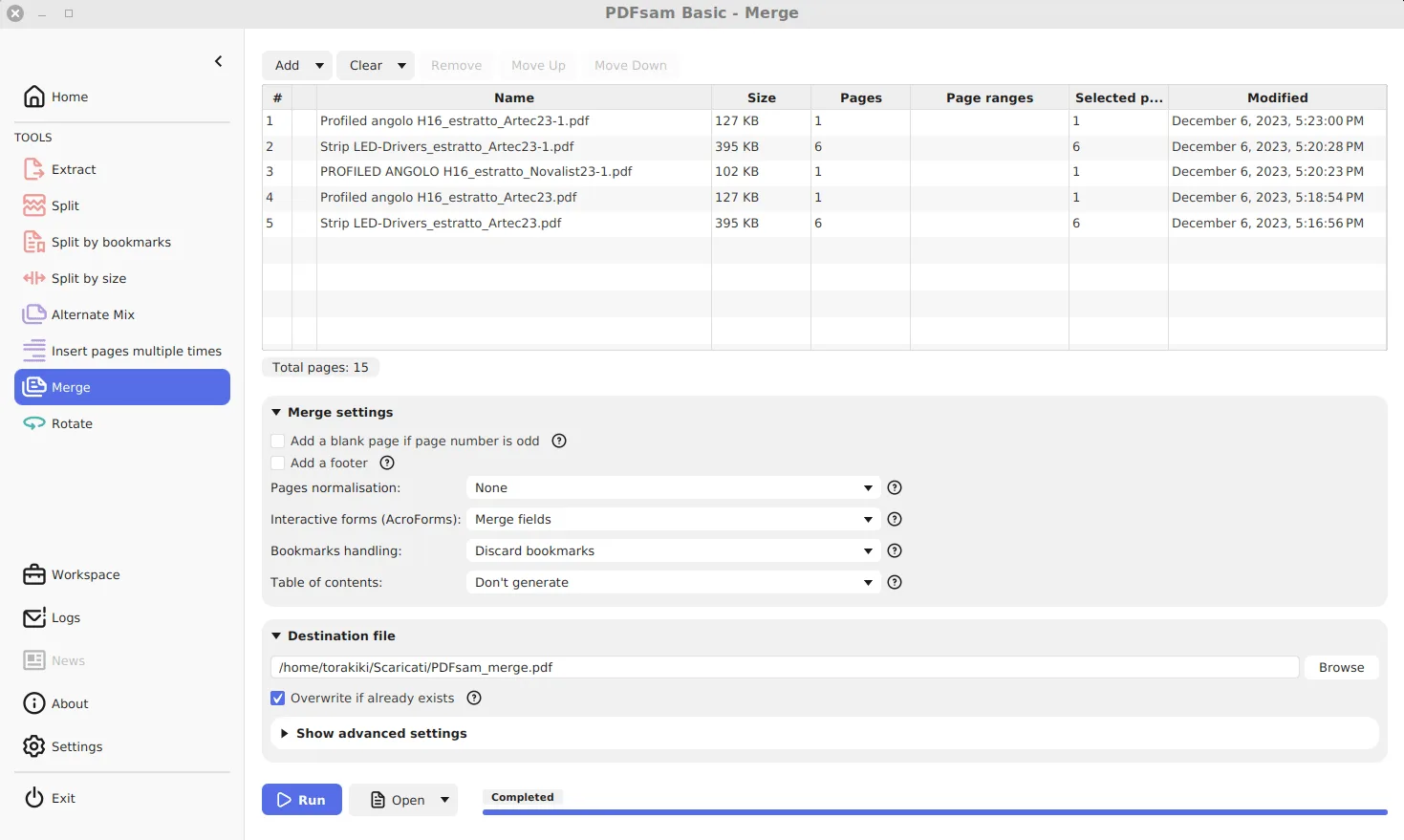
How do I make PDFsam Basic fully offline?
Switch off the startup requests PDFsam Basic makes to pdfsam.org. It takes four steps: open Settings, turn off the version check, turn off news and premium cards and restart.
- Open Settings. Click Settings in the left sidebar of PDFsam Basic.
- Turn off the version check. Untick Check for updates at startup.
- Turn off news and premium cards. Untick Check for news at startup and Show premium features.
- Restart. Close and reopen the app so every change applies.
What happens to your PDFs?
Nothing leaves the computer. PDFsam Basic reads the files you add from your disk, runs the task in the app with the open source Sejda PDF engine, and writes new files to the folder you choose. There is no account, no cloud step and no upload. The originals are not modified: outputs get the PDFsam_ prefix by default, and overwriting is off unless you turn it on.
That makes it a sensible choice for contracts, payslips or ID scans that you would not hand to a website. The guide to leaving upload-based tools covers that switch.
Which addresses does it contact?
The app’s pdfsam.properties file lists the URLs it uses. Three are requested automatically at startup when their setting is on:
| Request | Address | Setting that stops it |
|---|---|---|
| Newest version check | pdfsam.org/current-version, with your version number | Check for updates at startup |
| News list | pdfsam.org/whats-new | Check for news at startup |
| Premium tool cards | pdfsam.org/premium-modules | Show premium features |
Links on the About screen, such as the documentation, donation page and the blog’s news feed, open only when you click them. None of the automatic requests include file names or document content. After every fifth completed task the app also shows either a donation or a share notice; Show donation window controls it, and it is a local message, not a request.
Is the code trustworthy?
The whole Basic edition is published at github.com/torakiki/pdfsam under the GNU AGPL v3, the licence the app itself names in its properties. Anyone can read the source, build it and compare. The PDF engine underneath, Sejda, is open source under the same licence. The paid Visual and Enhanced editions are separate programs; nothing from them is inside Basic, which is why their tools appear only as advertising cards. The edition comparison explains the split.
How do you know the installer is genuine?
Three independent checks exist, and one is enough for most people:
- SHA-256. GitHub shows a hash next to every release file, and the Windows download page repeats it.
Get-FileHashin PowerShell must return the same value. - winget. The
PDFsam.PDFsammanifest records the MSI’s hash, and winget refuses to run a file that does not match it. - Signature. Each file has a detached
.ascsignature on the release for GnuPG users.
A normal, hand-run MSI install ends by opening a thank-you page on pdfsam.org in your browser. That is expected behaviour defined in the installer source, not a sign of tampering; winget installs pass SKIPTHANKSPAGE=Yes and skip it.
What are the real risks?
The realistic risk is a repackaged copy from a download portal, which the checks above catch. The second is the file you create: a merged or split PDF is only as private as the folder you save it in. Keep outputs out of synced or shared folders if the source was confidential, and read the safe download guide before fetching the installer on a new PC.
Frequently asked questions
Does PDFsam Basic send my PDFs anywhere?
No. Merge, split, extract, rotate and mix all run in the app on your computer. The startup requests carry no document data: they ask for a version number, a news list and a list of premium tools.
Is PDFsam Basic spyware or adware?
No. Its source code is public under the AGPL v3. It does advertise the publisher's paid editions through premium tool cards and an occasional donation notice, and both can be turned off.
Can a company allow PDFsam Basic on locked-down PCs?
Usually, yes. Deploy the MSI with CHECK_FOR_UPDATES, CHECK_FOR_NEWS and PREMIUM_MODULES set to false, and the app makes no calls to pdfsam.org at startup.