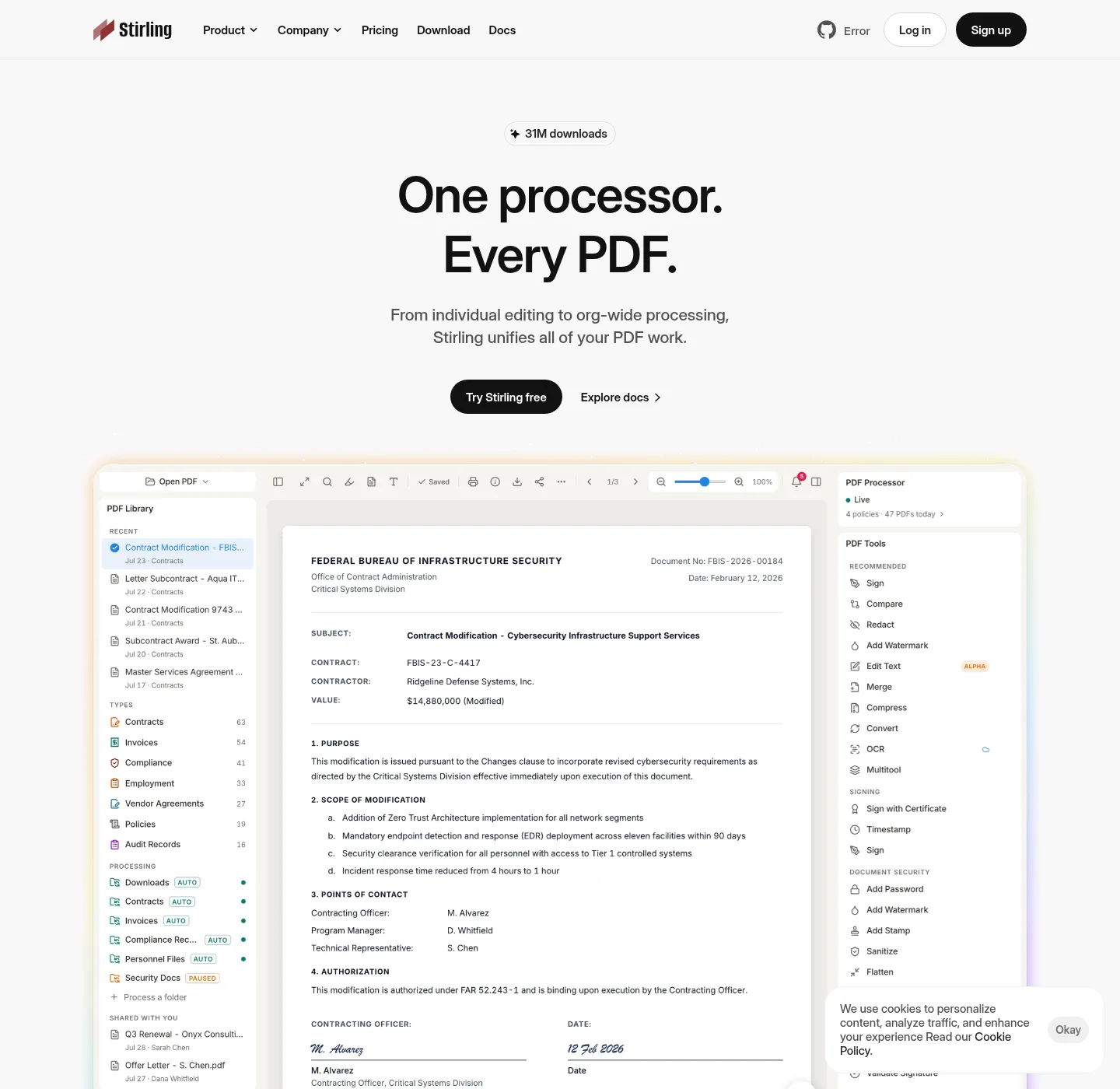
Open Source PDF Editor is independent of Stirling PDF Inc. and Stirling-Tools. Notes describe Stirling PDF by name and link official GitHub, docs, and Stirling hosts.
Canonical origin: https://opensourcepdfeditor.com. Stirling PDF is the program those notes describe. Official project surfaces stay on github.com/Stirling-Tools/Stirling-PDF, docs.stirlingpdf.com, and stirling.com. Opensourcepdfeditor.com is none of those origins. It is an index of install paths, filenames, and shape comparisons.
| Item | Value |
|---|---|
| Publisher | Open Source PDF Editor editorial team |
| Subject | Stirling PDF on Windows winget and Docker Compose |
| Windows command | winget install StirlingTools.StirlingPDF |
| Docker | Official compose, then docker-compose up -d, http://localhost:8080 |
| Files | GitHub Releases and docker.stirlingpdf.com |
| Ads | Off |
What these notes cover
Install notes for Stirling PDF on a machine you control, and the two paths mapped here are Windows desktop and Docker. Windows uses the winget id StirlingTools.StirlingPDF or the official MSI Stirling-PDF-windows-x86_64.msi from GitHub Releases. That MSI installs to C:\Program Files\Stirling-PDF, and desktop has no Stirling login. If a process starts and no window appears, official Windows docs point at Microsoft Edge WebView2 Runtime.
On Windows, paste:
winget install StirlingTools.StirlingPDFDocker uses the image docker.stirlingpdf.com/stirlingtools/stirling-pdf:latest on port 8080. Login is on by default, and default username admin, default password stirling. Change that password immediately after first login, and official docs also document SECURITY_ENABLELOGIN=false if you opt out, and tags latest, latest-fat, and latest-ultra-lite. Compose copy lives in Stirling's Docker Installation guide, and then:
docker-compose up -dAfter compose is up, open http://localhost:8080 on the machine that runs the container. JARs named Stirling-PDF-with-login.jar, Stirling-PDF.jar, and Stirling-PDF-server.jar sit on the same GitHub tag. Official docs currently require Java JDK 25 for those JARs. Windows walkthrough: Windows PDF editor download. Docker: PDF editor Docker Compose. Winget: how to install winget.
Comparisons and how-tos sit next to those install notes: merge, split, compress, Windows versus Docker, and shape checks next to Adobe Acrobat, PDF24, Sejda, Bento PDF, and iLovePDF. Those notes describe where files run. They do not rank products and they do not invent prices, star counts, or tool counts. The long-form index is PDF editor guides. Safe-download notes sit on is it safe to download this PDF editor. Release tags sit on open source PDF editor releases.
Where binaries live
File links go to GitHub Releases, files.stirlingpdf.com, or docker.stirlingpdf.com, and winget pulls a package Microsoft already registered. Skip Softonic, CNET, and lookalike portals that reuse the project name, and if a search result offers a Stirling installer and the URL is not GitHub or a Stirling host, treat it as a different file. Most of the public repository is MIT (Copyright 2025 Stirling PDF Inc.). Folders such as proprietary, saas, engine, desktop, cloud, and portal use other licenses. Read LICENSE in the repo rather than a summary that pretends the whole product is only MIT. Official Mac and Linux desktop installers exist in Stirling docs, and for those desktops, use docs.stirlingpdf.com.
Who writes these notes
Copy goes out under the organization byline Open Source PDF Editor editorial team, and there is no personal author name on these notes. There is no personal GitHub account in the footer, and there is no personal mailbox. AI tools may draft. Editors check commands, filenames, and URLs against official docs before a note ships. That process is editorial policy, not a biography. Schema here is AboutPage, and the publisher is an Organization, the editorial team named above.
Funding
Display ads are off, and there is no payment from Stirling-Tools. There are no affiliate links on winget, GitHub, or Docker, and if ads ever go on, advertising disclosure will say so first, and ad slots will stay out of the install command. How hosting logs work is on privacy.
How to request a correction
If a command, filename, login default, or claim disagrees with GitHub or docs.stirlingpdf.com, use contact. Include the URL on opensourcepdfeditor.com, the official page that disagrees, the sentence as it stands, and the sentence the source supports. The editorial team checks that source, edits the note, and bumps the verified date on the stamp. Crashes, OCR failures, compose failures, and missing tools belong on GitHub Issues for Stirling-Tools/Stirling-PDF. Repo map: open source PDF editor on GitHub. Setup on one machine: set up this PDF editor on this computer.