Sign on a PDF editor you run
Sign a PDF in Stirling PDF is a local job on Windows desktop, and the same kind of job in Docker at http://localhost:8080. Official Modes docs list sign with merge, split, and rotate as desktop local work; you can do it on a laptop with no network.
Adobe Sign is not this tool; Adobe Sign stays on acrobat.adobe.com. Mapping Acrobat to Stirling: import a PDF workflow from Adobe; comparison: Stirling PDF vs Adobe Acrobat.
Install: Windows or Docker, home; files stay on GitHub Releases.
Where Sign runs
| Topic | Windows desktop | Docker / JAR |
|---|---|---|
| Official job | Sign on the device | Sign in the server UI |
| Network | Offline for local tools | On the machine you run |
| Login | None | On by default (admin / stirling) |
| Adobe Sign | Not this tool | Not this tool |
| Merge after | Yes, still local | Yes, on the same install |
| Redact after | Different tool | Different tool |
| File host | GitHub Releases, winget, MSI | docker.stirlingpdf.com or a JAR from GitHub |
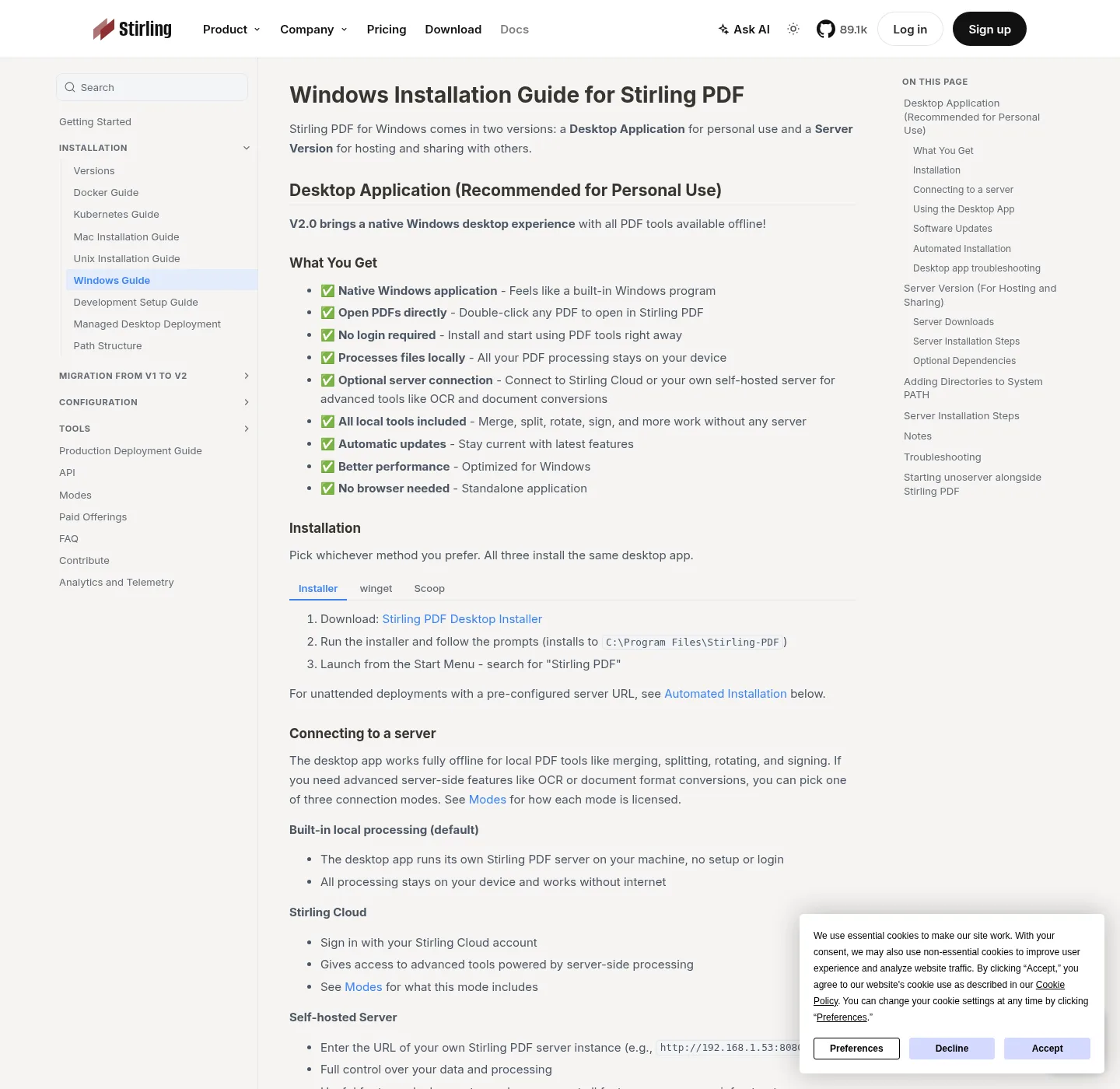
| Default path | C:\Program Files\Stirling-PDF | http://localhost:8080 |
| Empty window | Install WebView2 Runtime | Check port 8080 and logs |
| Cloud | Not required for Sign | Not required for Sign |
A mark on page one does not sign later pages unless you placed marks there; save a new filename so the unsigned original remains.
Install, then open Sign
Windows desktop:
winget install StirlingTools.StirlingPDFIf winget is missing, follow How to install winget; MSI Stirling-PDF-windows-x86_64.msi is on the current GitHub release. It lands in C:\Program Files\Stirling-PDF; if the process runs and no window appears, install Microsoft Edge WebView2 Runtime.
Docker:
docker-compose up -dImage docker.stirlingpdf.com/stirlingtools/stirling-pdf:latest; open http://localhost:8080; change admin / stirling; to skip login:
SECURITY_ENABLELOGIN=falsePages: PDF editor download, PDF editor Docker; JAR: JAR server.
Steps
- Run winget for Windows desktop, or compose for Docker, so Sign is available on this machine.
- Choose Sign for a mark on the page unless the recipient named Adobe Sign, which stays on Adobe.
- Open the PDF, place the signature on the line, and keep the unsigned original until you have checked the output.
- Apply the signature, save the file on this machine, and open it to confirm the mark sits on the right page.
- If the recipient named Adobe Sign, finish that envelope on acrobat.adobe.com instead of drawing a name here.
After a visual sign you can still merge that file into a packet, or rotate a page that was sideways. If the page must hide an ID number, that is redact, which removes text; a black rectangle you drew in Sign is not redaction.
What not to confuse
Do not call a PNG of your name a cryptographic seal; do not send a visually signed contract as if Adobe Sign ran. Do not fetch Stirling from Softonic; safe notes: is it safe; Guides.
Leaving website e-sign gadgets that are not Adobe: move PDF tools off the web; if a statute or a counterparty named a vendor, use that vendor.
Do not rotate after a seal if you still need the file unchanged; changing the file is the point of tamper detection in tools that offer it. If you only needed pages upright, rotate first, then sign.
Self-host stays free up to 5 users; Server is about US$99 per month or about US$999 per year. Enterprise is custom; read Paid Offerings and stirling.com/pricing; sign on desktop local does not need those paid tiers.
After you sign, what still is not signed
Check every signature line; save a new filename so the unsigned original remains. Open the output in a second viewer so you know the mark is in the file, not only on screen.
Most of the public repo is MIT (Copyright 2025 Stirling PDF Inc.) with directory exceptions; folders such as proprietary, saas, engine, desktop, cloud, and portal use other licenses. Official extra signature tools, if you need them, live in docs.stirlingpdf.com; desktop local Sign is the job this guide covers.
Skip unofficial wrappers; files stay on GitHub and docker.stirlingpdf.com; related jobs: split pdf, compress pdf.
Common questions
Does a drawn signature in this PDF editor prove identity? A mark on the page is not Adobe Sign and is not a court-ready identity proof by itself. Stirling Sign is a local desktop job; Adobe Sign stays on acrobat.adobe.com; pick the bar your recipient actually asked for; comparison: Stirling PDF vs Adobe Acrobat.
Can I sign a PDF offline in this PDF editor? Yes for Sign on Windows desktop. Official Modes docs list sign with merge, split, and rotate as local desktop jobs; no Docker login is required for that window. Docker at http://localhost:8080 can sign too, after you change the default admin password.
Is Stirling Sign the same as Adobe Sign? No. Adobe Sign is Adobe’s product on acrobat.adobe.com; Stirling Sign runs on the install you control. If a counterparty named Adobe Sign, that envelope stays on Adobe; mapping Acrobat jobs: import a PDF workflow from Adobe.
Does Docker login affect signing a PDF? On Docker you sign in at http://localhost:8080 with the account you configured (default admin / stirling, change it), then open Sign. On Windows desktop there is no compose login; the visual tool is the same job; use one install so you know which folder holds the signed file.
Is a signed mark the same as redaction? No. Sign places a mark; Redact removes content; a black rectangle you drew in Sign is not redaction. If an ID number must leave the file, use redact a PDF, then search the output for the old string.
Frequently asked questions
Does a drawn signature in this PDF editor prove identity?
A mark on the page is not Adobe Sign and is not a court-ready identity proof by itself. Stirling Sign is a local desktop job. Adobe Sign stays on acrobat.adobe.com. Pick the bar your recipient actually asked for. Comparison: Stirling PDF vs Adobe Acrobat.
Can I sign a PDF offline in this PDF editor?
Yes for Sign on Windows desktop. Official Modes docs list sign with merge, split, and rotate as local desktop jobs. No Docker login is required for that window. Docker at http://localhost:8080 can sign too, after you change the default admin password.
Is Stirling Sign the same as Adobe Sign?
No. Adobe Sign is Adobe's product on acrobat.adobe.com. Stirling Sign runs on the install you control. If a counterparty named Adobe Sign, that envelope stays on Adobe. Mapping Acrobat jobs: import a PDF workflow from Adobe.
Does Docker login affect signing a PDF?
On Docker you sign in at http://localhost:8080 with the account you configured (default admin / stirling, change it), then open Sign. On Windows desktop there is no compose login. The visual tool is the same job. Use one install so you know which folder holds the signed file.
Is a signed mark the same as redaction?
No. Sign places a mark. Redact removes content. A black rectangle you drew in Sign is not redaction. If an ID number must leave the file, use redact a PDF, then search the output for the old string.