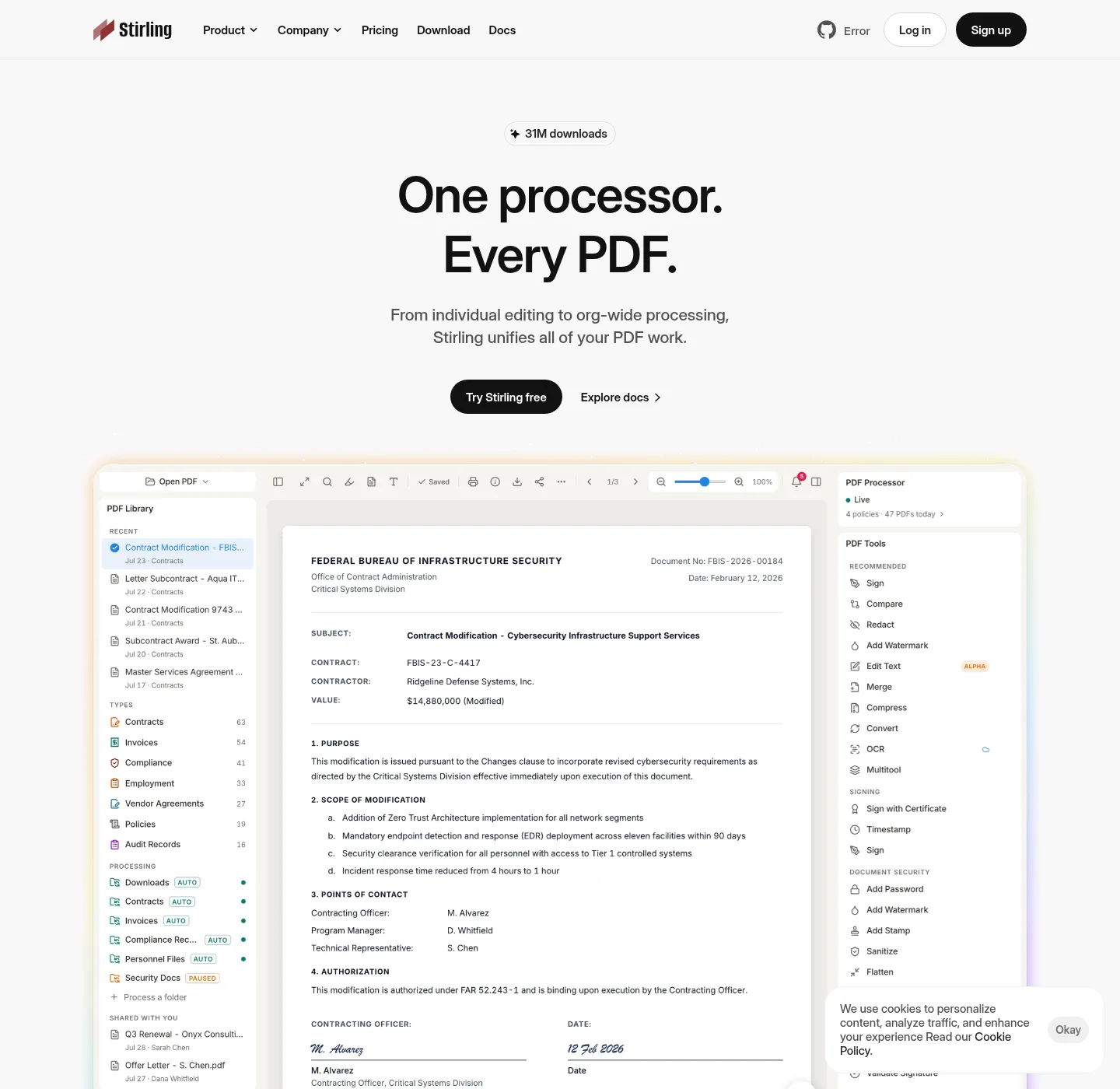
Adobe Acrobat is a commercial PDF product, and official pages, plans, and downloads stay on acrobat.adobe.com. Check the vendor's pricing page, and do not invent an Acrobat seat price. The job here is narrower: take a packet that today lives in Acrobat or in a website toolkit, and run the same job in Stirling PDF on Windows or in Docker. Stirling install paths: Windows PDF editor download and PDF editor Docker Compose.
What you are moving
Three starting points show up, and first, Acrobat on a paid seat: merge, organize pages, export, certificates. Second, Acrobat in a browser through Adobe's cloud, where the file may leave the PC for a tool. Third, an upload site that is not Adobe at all, such as iLovePDF, that people used because Acrobat felt heavy. The destination is a PDF editor you run, and there is no settings import file and no invented transfer format. The work product is the PDF file.
Export the PDF to a folder you control before you switch tools. Acrobat can hold comments, form fields, attachments, and security settings that a simple merge does not need. If the file is the record, save a copy, and then run Stirling PDF on the copy. Keep Acrobat installed until you have checked the first real packet, and a longer walkthrough of the same job sits on move an Adobe Acrobat workflow into a PDF editor when that guide is published. Web-toolkit moves sit on move web PDF tools onto a PDF editor you run.
Acrobat next to a PDF editor you run
| Topic | Adobe Acrobat | Stirling PDF you run |
|---|---|---|
| Who publishes it | Adobe. Official origin acrobat.adobe.com | Stirling PDF Inc. Code on GitHub |
| Where a file can be processed | Desktop app, Adobe cloud tools, depending on the product you bought | Your Windows desktop, or your Docker or JAR instance |
| Account | Adobe account is normal for desktop and cloud | Desktop: no login. Docker: login on, default admin / stirling, change it |
| Merge, split, rotate, sign | Yes, in Acrobat | Yes, local on desktop. Official Modes docs |
| OCR and some conversions | Acrobat's own OCR and export tools | Need a server backend. Desktop local mode cannot OCR |
| Preflight, print production, some enterprise plugins | Acrobat Pro territory. Confirm on Adobe's site | Not a reason to expect a one-for-one move |
| Install | Adobe's installer from Adobe | winget StirlingTools.StirlingPDF or Docker image on docker.stirlingpdf.com |
| License shape | Adobe commercial terms. Check their pricing page | Most of the public repo is MIT. Some folders use other licenses |
How to move Acrobat work into Stirling PDF
- Save a copy of the PDF into a folder you control. Keep Acrobat installed until the first packet looks right.
- Install Stirling PDF with winget or Docker Compose.
- Open the copy in Stirling PDF on desktop, or at http://localhost:8080 if you used Docker.
- Redo the job locally: merge, split, rotate, or sign. There is no Acrobat settings import file.
- Keep Acrobat for preflight, print production, or plugins that Stirling does not claim to clone.
Windows command:
winget install StirlingTools.StirlingPDFIf winget is missing, follow how to install winget. Docker: copy official compose, then docker-compose up -d, then http://localhost:8080. Login on. Default admin / stirling, and change it; Everyday jobs: merge PDF, split PDF, compress PDF. Compress may need a server; OCR lives under PDF editor guides.
What to keep in Acrobat
Keep Acrobat when the job is print production, preflight, or a plugin you already paid for. Stirling PDF is not a twin, and a one-for-one feature map would be a lie. If a certificate workflow or a live form must survive exactly as Acrobat built it, test the output before you cancel a seat. Check acrobat.adobe.com for Adobe's current product list; Check Paid Offerings for Stirling self-host plans. Free self-host up to 5 users, and server about US$99 per month or about US$999 per year. Enterprise custom.
iLovePDF remains an upload-to-web toolkit at ilovepdf.com; Bento PDF remains a browser toolkit at bentopdf.com. Those comparisons sit on Stirling PDF vs iLovePDF and Stirling PDF vs Bento PDF. Safe fetch: is it safe to download this PDF editor; Setup chooser: for this computer.
Can I import Acrobat settings into this PDF editor?
No, and there is no magic settings import and no invented file format. The work product is the PDF; Save a copy, open it in Stirling PDF, and redo merge, split, rotate, or sign locally.
What is the winget command when leaving Acrobat?
The command is winget install StirlingTools.StirlingPDF, and that installs Stirling PDF. It does not uninstall Acrobat and it does not migrate licenses.
winget install StirlingTools.StirlingPDFDoes Stirling PDF replace Adobe Acrobat?
No. Stirling is not a twin of Acrobat; Local merge, split, rotate, and sign are the jobs these notes map. Preflight and some enterprise plugins stay on Acrobat; Check acrobat.adobe.com for Adobe's current list.
Where do files go after I leave Adobe cloud tools?
On Windows desktop they stay on this PC; In Docker they stay on the host that runs compose. Adobe cloud tools can process in Adobe's service, and confirm on acrobat.adobe.com.
Do I need an Acrobat export CSV?
No; Save the PDF to a folder you control, open that copy in Stirling PDF, and run the tool. That is the whole move.