Two PDF editors, two vendors
Stirling PDF vs Adobe Acrobat is a map of where work runs; one side is Stirling PDF: Windows desktop, Docker, or a JAR. The other side is Adobe’s PDF editor family at acrobat.adobe.com; official Stirling files stay on GitHub Releases. Acrobat files and plans stay on Adobe.
People type both names when they have a PDF job and want to know whether a self-hosted toolbox is enough. That is not a ranking, a star list, or a twin of Adobe’s comparison marketing; it is where work runs, who hosts the file, and which jobs overlap. If you already live in Acrobat and only needed a second window, stay on Adobe’s site for that product. If you want merge and sign on a PC you control, keep reading.
Related comparisons: Stirling PDF vs PDF24, Stirling PDF vs Sejda, Stirling PDF vs iLovePDF, PDF editor or Bento. The install chooser is Windows or Docker.
Shape, not a score
Acrobat is the long-running commercial PDF editor from the company that defined the format. It ships as desktop software, a web app, and mobile apps, tied to Adobe accounts and Document Cloud. Adobe publishes that lineup on acrobat.adobe.com.
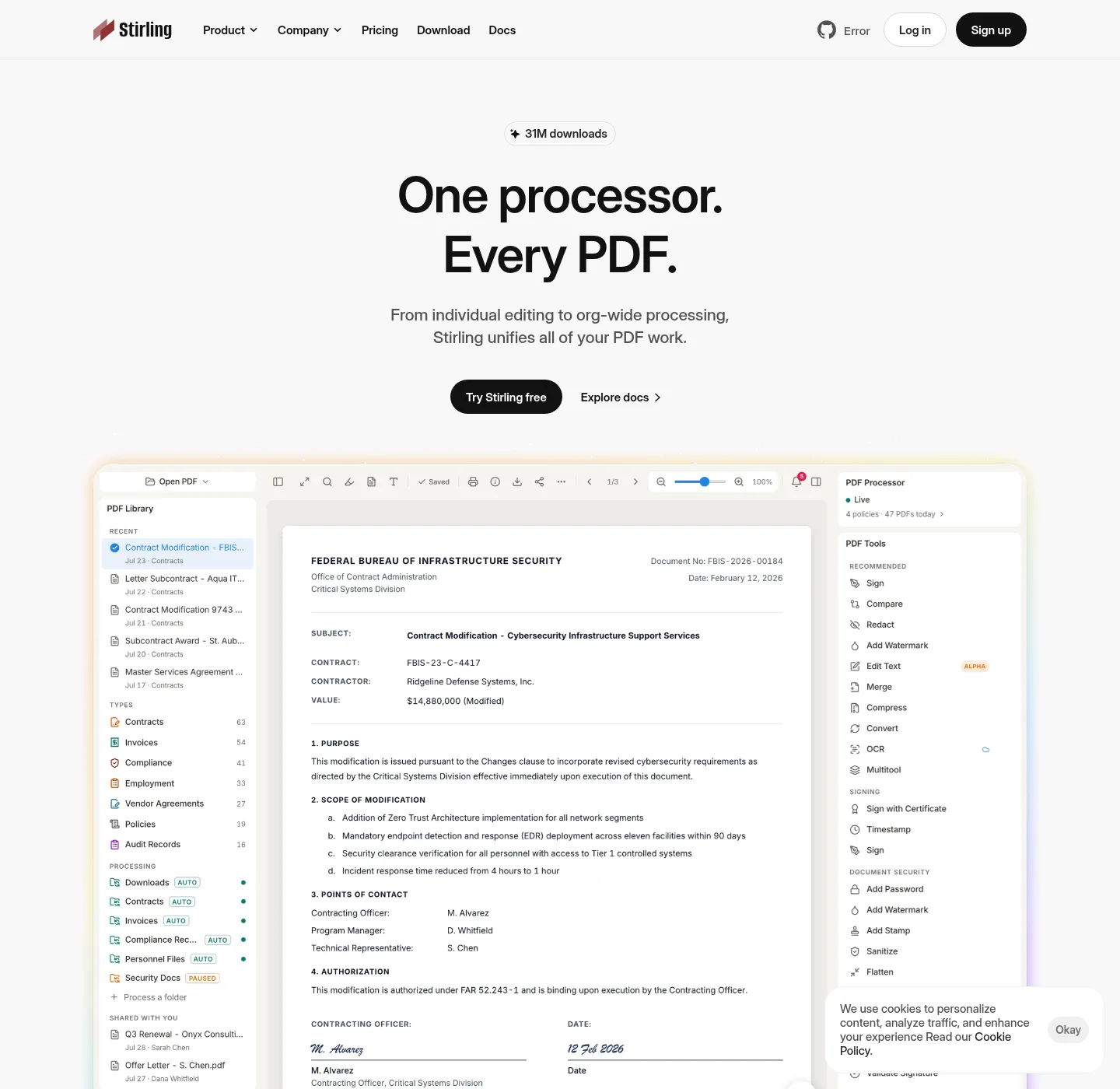
Stirling PDF is a project you install; Windows desktop via winget, Docker on port 8080, or a JAR with JDK 25. Desktop local tools (merge, split, rotate, sign) run on the device; OCR and some conversions need a self-hosted server or Stirling Cloud. Login is off on desktop and on by default in Docker (admin / stirling, change it).
Most of the public repo is MIT (Copyright 2025 Stirling PDF Inc.); folders such as proprietary, saas, engine, desktop, cloud, and portal use other licenses. Stirling.com also offers Cloud and paid server tiers; read Modes and stirling.com for that side.
Feature table
| Feature | Stirling PDF | Adobe Acrobat |
|---|---|---|
| Where work runs | Your machine: Windows desktop, Docker at http://localhost:8080, or a JAR | Adobe desktop, web, and mobile apps; Document Cloud on Adobe’s side |
| Vendor site | stirling.com and docs.stirlingpdf.com | acrobat.adobe.com |
| File host for the install | GitHub Releases, winget, docker.stirlingpdf.com | Adobe’s own download and web apps |
| Accounts | Desktop: no login. Docker: login on by default | Adobe account for many Acrobat and cloud features |
| Source | Public repo Stirling-Tools/Stirling-PDF | Proprietary Adobe product |
| Local merge, split, rotate, sign | Yes on desktop local, and on the server you run | Yes inside Acrobat. Details on Adobe’s site |
| OCR | Server-side, or Stirling Cloud. Not desktop local-only | Acrobat OCR on Adobe’s product. Read Adobe for how it runs |
| Sign | Sign tool on the install you run | Acrobat and Adobe Sign on Adobe’s site |
| Redact | Redact tool on the install you run | Acrobat redaction on Adobe’s site |
| Forms, InDesign, Creative Cloud | Not that ecosystem | Native Adobe ecosystem |
| Self-host price | Free up to 5 users; Server about US$99/month or US$999/year | Check acrobat.adobe.com |
| Licence mix | MIT on most of the public tree, with directory exceptions | Proprietary Adobe product |
Jobs that map, jobs that stay in Acrobat
Merge, split, compress, rotate, a visual signature, and redaction exist on both sides as product ideas. On Stirling they are tools in the app or at localhost:8080; walkthroughs: merge pdf, split pdf, sign a PDF, redact a PDF, OCR a PDF. You still install Stirling first from home or Windows download.
Acrobat-only work stays in Acrobat: long-form inline layout tied to Creative Cloud, some enterprise form and certificate workflows Adobe documents, Adobe Sign agreements, and anything your organisation already standardised on Acrobat. If the job is “open this in Acrobat because legal still uses Acrobat,” that is an Acrobat job.
Moving off Acrobat is a checklist, not an import wizard; Import a PDF workflow from Adobe and PDF from Adobe list the jobs to rebuild.
How you install Stirling PDF for this comparison
If the table pushed you toward an install you run, use Windows desktop or Docker, not a random EXE.
winget install StirlingTools.StirlingPDFDocker: official image docker.stirlingpdf.com/stirlingtools/stirling-pdf:latest, compose on PDF editor Docker, then http://localhost:8080; change the default password; JAR steps sit on the JAR server guide.
Acrobat stays on acrobat.adobe.com; skip Softonic, CNET, and unofficial wrappers around either name.
Price, licence, and files
Stirling self-host is free up to 5 users. Server is about US$99 per month or about US$999 per year, with 100 users included and more in blocks of 100. Enterprise is custom (air-gap cert, SAML2, SLAs as the vendor documents); read Paid Offerings and stirling.com/pricing. Acrobat plans and trials live on acrobat.adobe.com; check the vendor’s pricing page.
Files for Stirling stay on GitHub and the official registry; if a download offers a “Stirling” setup wrapped by Softonic or CNET, skip it. Is it safe to download this PDF editor and download safe are the trust notes; editorial rules: about and editorial policy.
Do not read this comparison as “throw Acrobat away.” Read it as: same PDF jobs can run on a machine you control, with a different vendor, a different license mix, and no Adobe account for the desktop local tools.
Common questions
Is Stirling PDF a replacement for Adobe Acrobat? It is a different shape. Stirling PDF is an install you run: desktop, Docker, or JAR; Acrobat is Adobe’s commercial PDF editor, viewer family, and cloud. Some jobs map (merge, split, rotate, sign, redact); Acrobat still owns deep Acrobat-only workflows; read acrobat.adobe.com for that product.
Does Stirling PDF edit PDFs the way Acrobat does? Not as a second Acrobat. Stirling is a toolbox you run on your machine or server; local desktop tools include merge, split, rotate, and sign. OCR needs a server or Stirling Cloud; Acrobat’s inline edit, forms, and Document Cloud live on Adobe’s side. Compare jobs, not chrome.
Can I move an Acrobat workflow into this PDF editor? You do not import an Acrobat workspace file. You reinstall the jobs: merge, split, sign, redact, rotate, OCR on a server; the steps sit on import a PDF workflow from Adobe and PDF from Adobe. Keep Acrobat when you still need Acrobat-only features.
What does this PDF editor cost next to Acrobat? Self-host is free up to 5 users. Server is about US$99 per month or about US$999 per year; Enterprise is custom; read Paid Offerings and stirling.com/pricing; Acrobat plans live on acrobat.adobe.com. Check the vendor’s pricing page.
How do I download each PDF editor? Stirling PDF files stay on GitHub Releases, winget id StirlingTools.StirlingPDF, or docker.stirlingpdf.com. Acrobat installers and web apps stay on acrobat.adobe.com; skip Softonic, CNET, and unofficial pages that wrap either name.
Frequently asked questions
Is Stirling PDF a replacement for Adobe Acrobat?
It is a different shape. Stirling PDF is an install you run: desktop, Docker, or JAR. Acrobat is Adobe's commercial PDF editor, viewer family, and cloud. Some jobs map (merge, split, rotate, sign, redact). Acrobat still owns deep Acrobat-only workflows. Read acrobat.adobe.com for that product.
Does Stirling PDF edit PDFs the way Acrobat does?
Not as a second Acrobat. Stirling is a toolbox you run on your machine or server. Local desktop tools include merge, split, rotate, and sign. OCR needs a server or Stirling Cloud. Acrobat's inline edit, forms, and Document Cloud live on Adobe's side. Compare jobs, not chrome.
Can I move an Acrobat workflow into this PDF editor?
You do not import an Acrobat workspace file. You reinstall the jobs: merge, split, sign, redact, rotate, OCR on a server. The steps sit on import a PDF workflow from Adobe and PDF from Adobe. Keep Acrobat when you still need Acrobat-only features.
What does this PDF editor cost next to Acrobat?
Self-host is free up to 5 users on the community plan. Server is about US$99 per month or about US$999 per year. Enterprise is custom. Read Paid Offerings and stirling.com/pricing. Acrobat plans live on acrobat.adobe.com; check the vendor's pricing page.
How do I download each PDF editor?
Stirling PDF files stay on GitHub Releases, winget id StirlingTools.StirlingPDF, or docker.stirlingpdf.com. Acrobat installers and web apps stay on acrobat.adobe.com. Skip Softonic, CNET, and unofficial pages that wrap either name.